
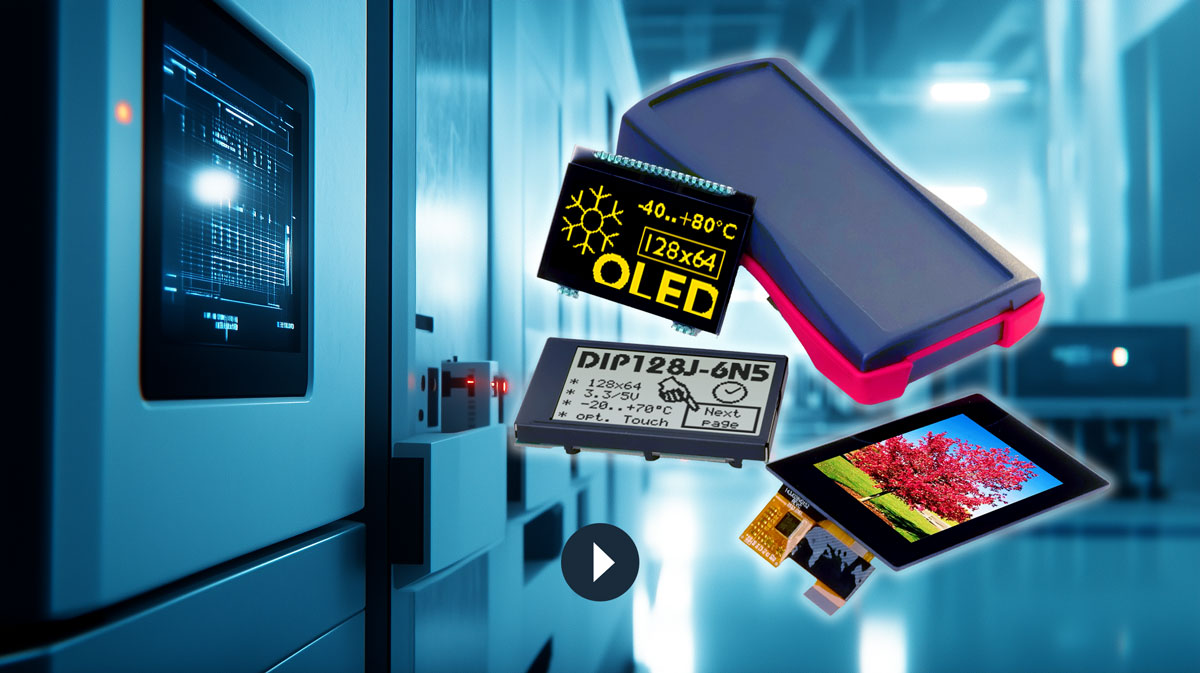

HMI – Display
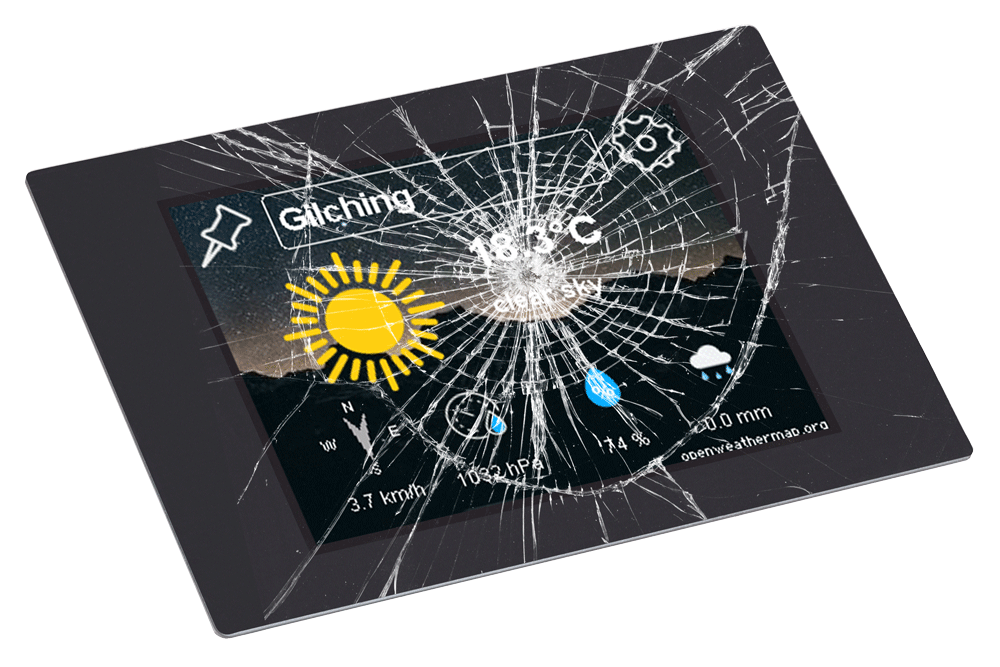
Typical glass breakage
Many problems soon turn out to be self-inflicted and could have been avoided during the development phase. Retrofitting is usually costly and painful for everyone involved.
Here are the five most common mistakes to read up on so that you can choose the right display from the outset.
First the display, then the casing
Follow this sequence. From the end customer's point of view, the display is a central element in many devices, not only for displaying information, but also for adjusting parameters and entering other data. That is why it is important that it fits well into the device. There is not a particularly extensive selection of different display sizes, at least compared to the range of enclosures available. Additionally, custom-printed, perfectly fitted 3D enclosures have become affordable enough to be a viable option for smaller quantities.When retrofitting a display into an application without one, review all other elements in the housing at the same time, such as buttons, connectors, an SD card slot, and a company logo. Some elements may be omitted or repositioned to increase the chance of finding a suitable display and ensuring a coherent overall design.
Tip:
Select the display as early as possible in the development phase. All displays require an additional border outside the viewing window; therefore, the external dimensions are always larger than the viewing window.
The interface
Different displays have different interfaces: LVDS, RGB, SPI, MIPI, etc.However, not every display is available with every interface. For instance, larger displays, 7 inches and up, are more often equipped with an LVDS interface, while smaller ones have an SPI interface. Small displays with an LVDS interface are difficult or impossible to obtain, while large displays with an SPI interface are only available as complete HMIs. Although interface boards for conversion are popular in the DIY market, they are costly and tend to cause EMC problems in laboratories and additional work in production for assembling boards, cables, and connectors.
The display and controller should be coordinated from the outset. The main issues are the interface, memory requirements and computing power.
It is helpful to remain flexible on the controller side from the outset. If necessary, a larger controller may have to be used.
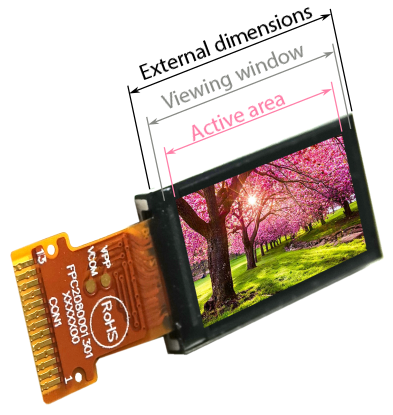
When it comes to external dimensions, it is important to note that the viewing window is larger than the active area.